 Kryvo
Kryvo
Your private vault, locked tight and fully offline.
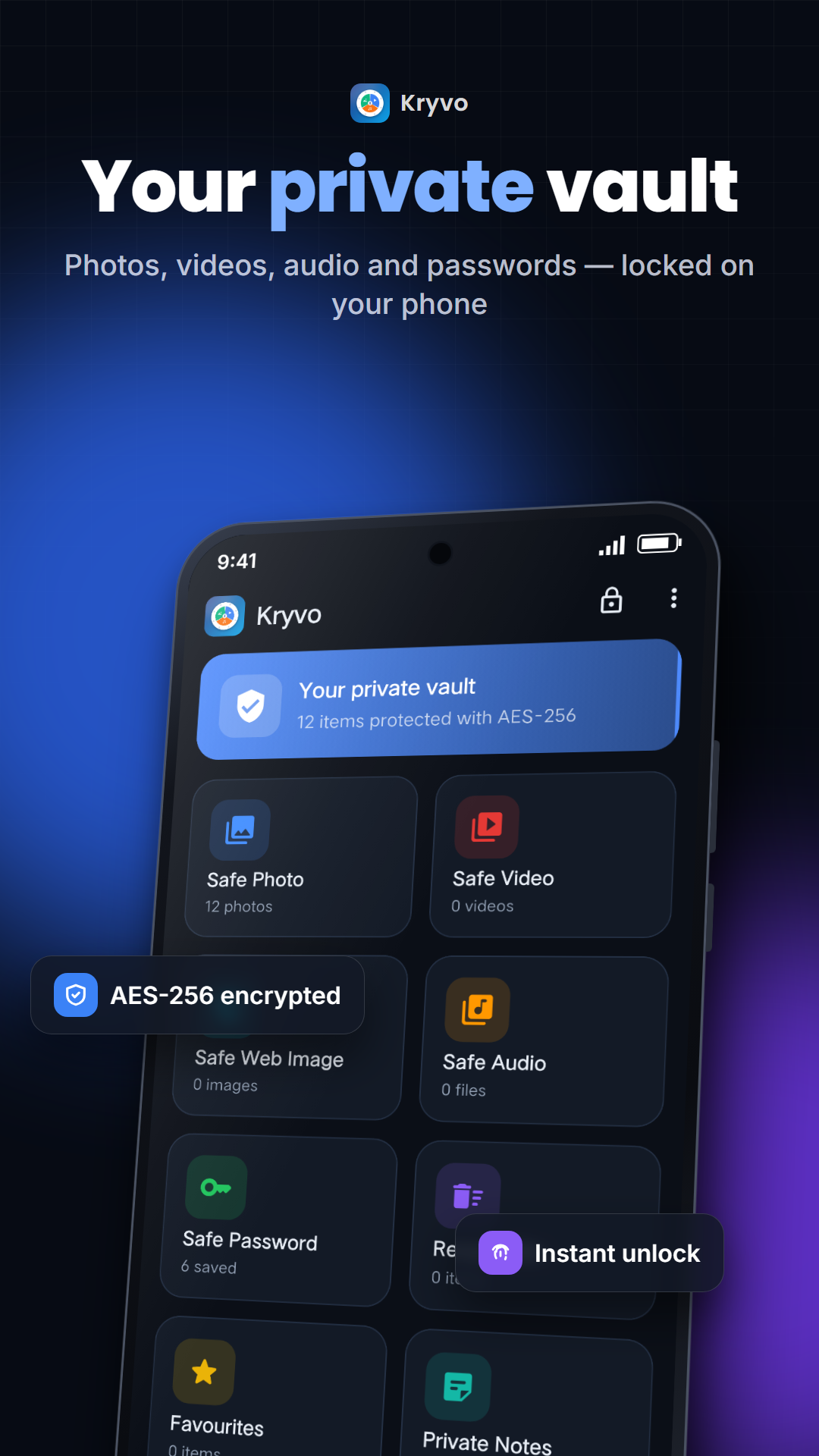
Kryvo hides photos, videos, audio, passwords and notes on your Android phone — AES-256 encrypted, no internet permission, with app lock, intruder selfie and a fake PIN.
👆 Live demo — tap around! Enter PIN 1234 to open the vault.
Fake PIN 0000 opens the decoy vault. Try a wrong PIN to see the intruder log.
Screenshots
Real screens from the Android app.
Everything a private vault needs
Simple to use, serious about security.
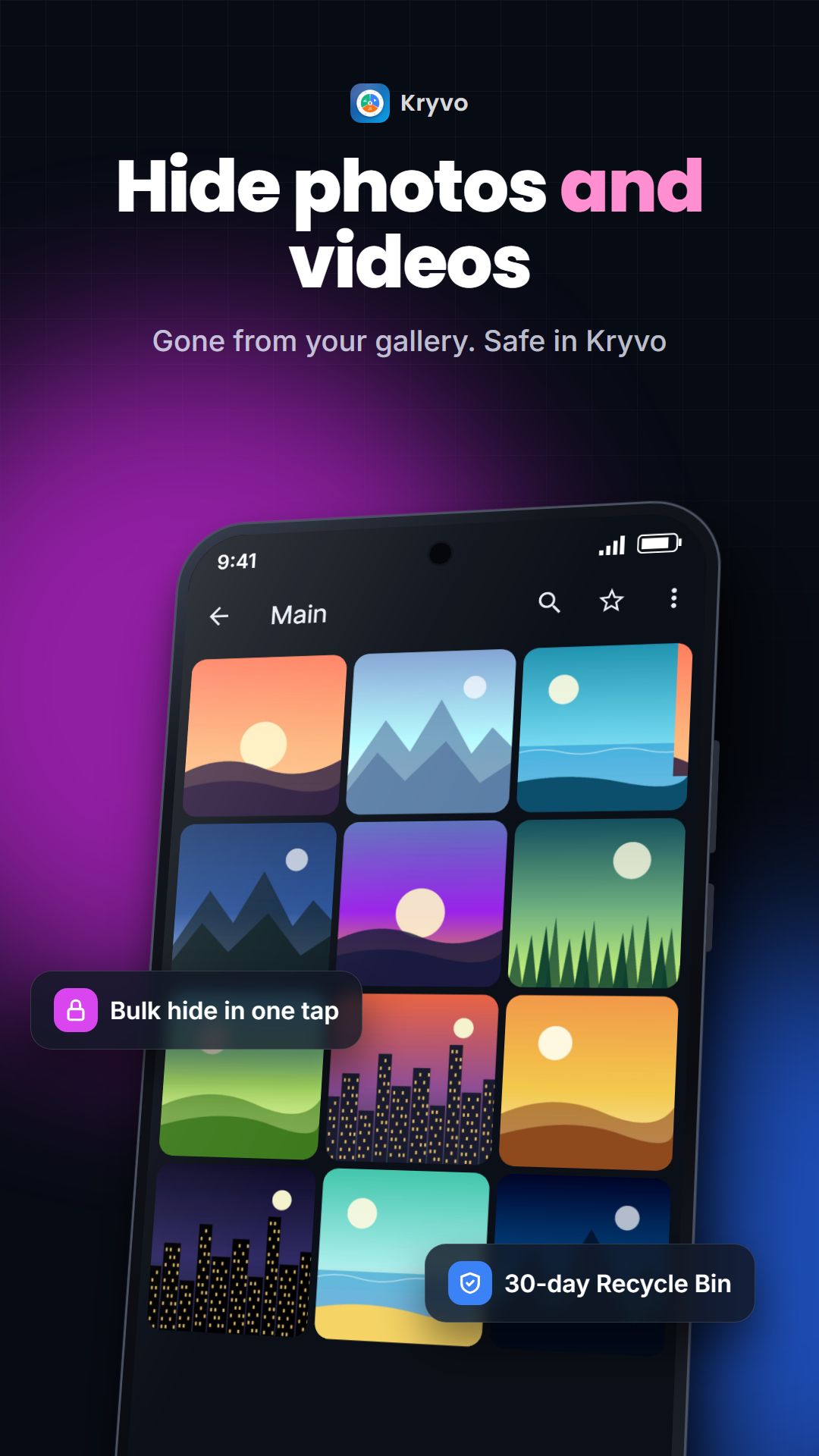
Hide photos, videos & audio
Moves them into the encrypted vault and removes the originals from the gallery. Folders, favourites, search and sort.
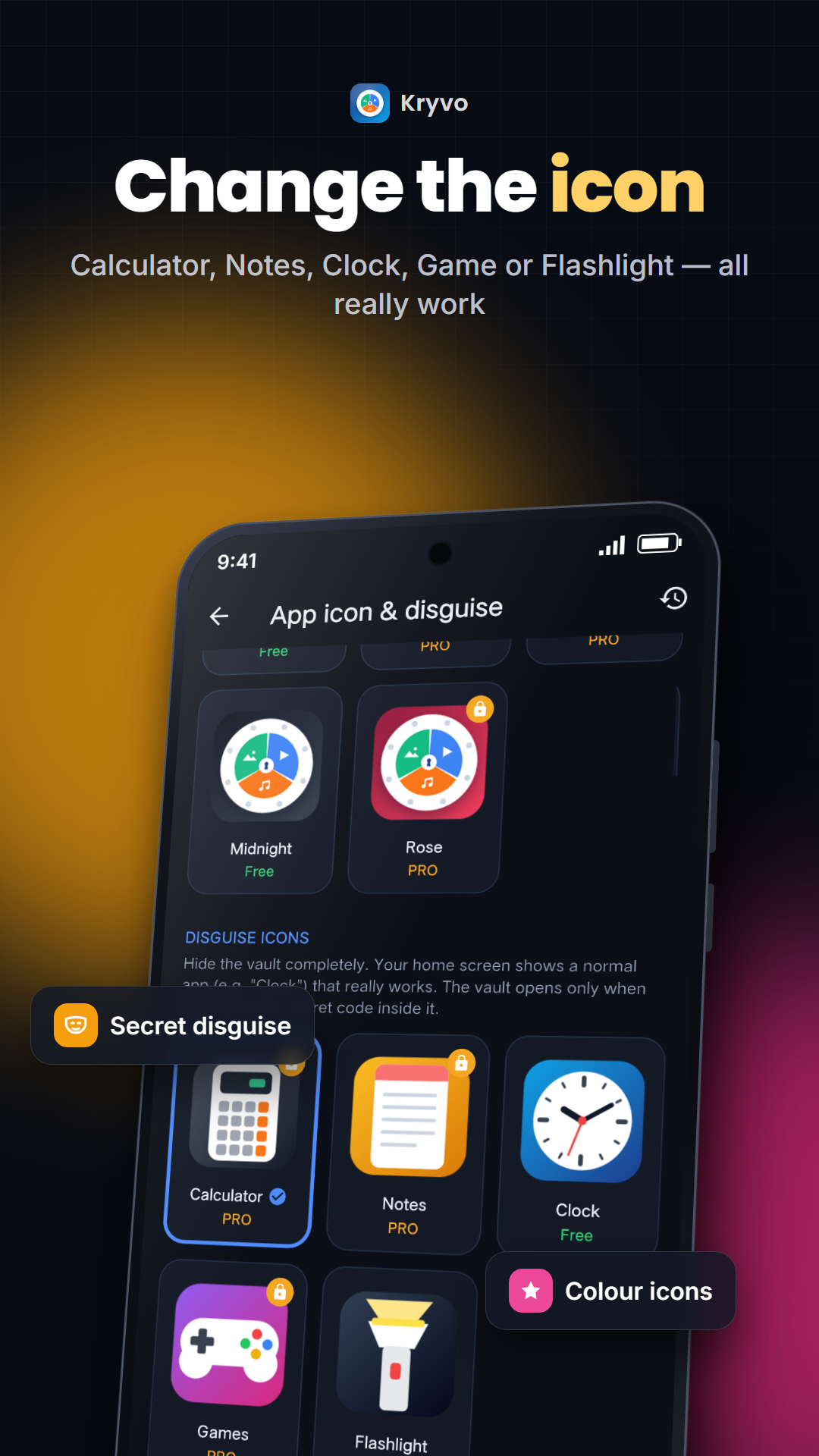
Disguise the app
A working Calculator, Clock, Notes, Game or Flashlight on your home screen. Only your secret code opens the vault.
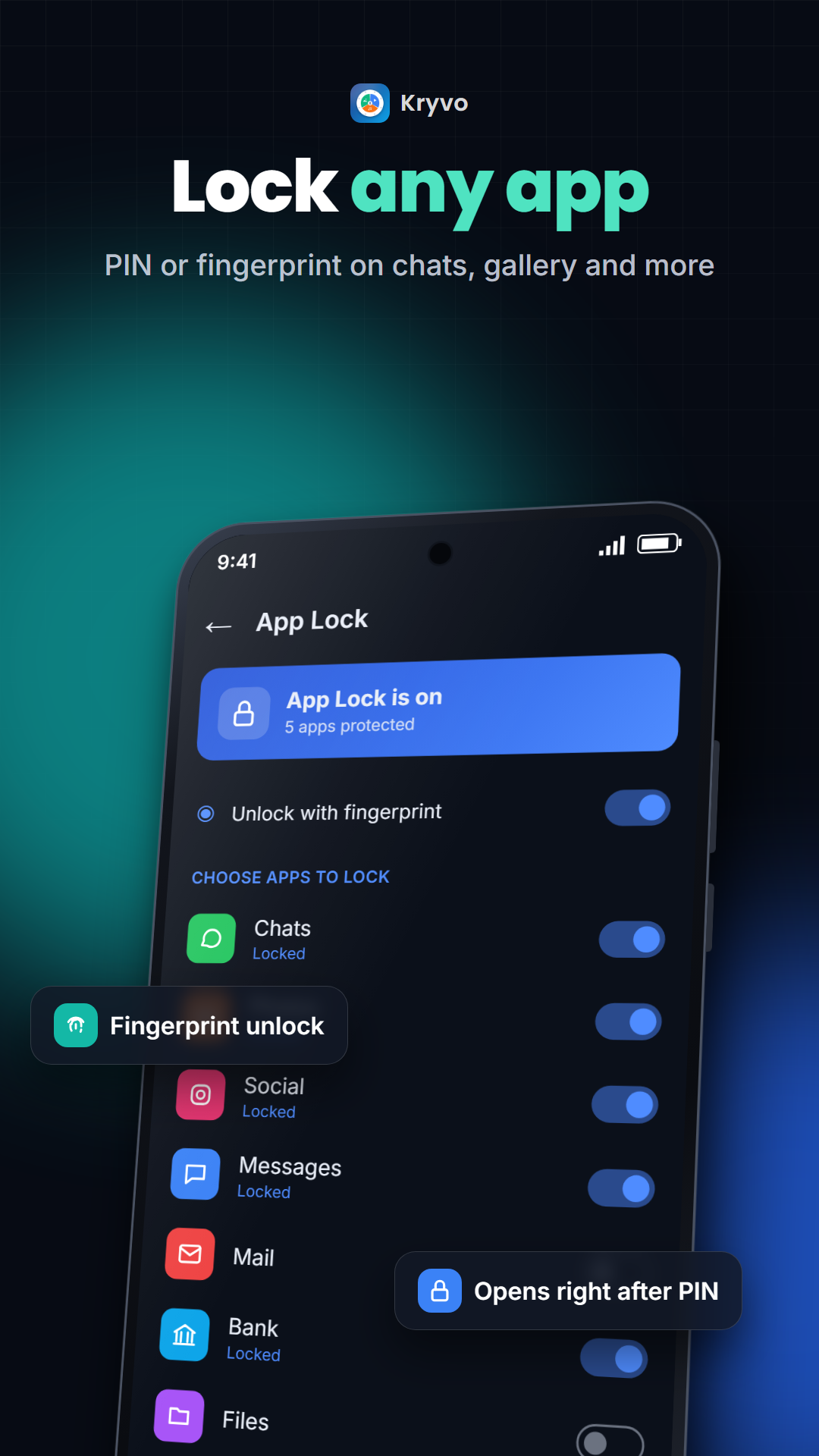
App Lock
Put a PIN or fingerprint on WhatsApp, Gallery or any app.
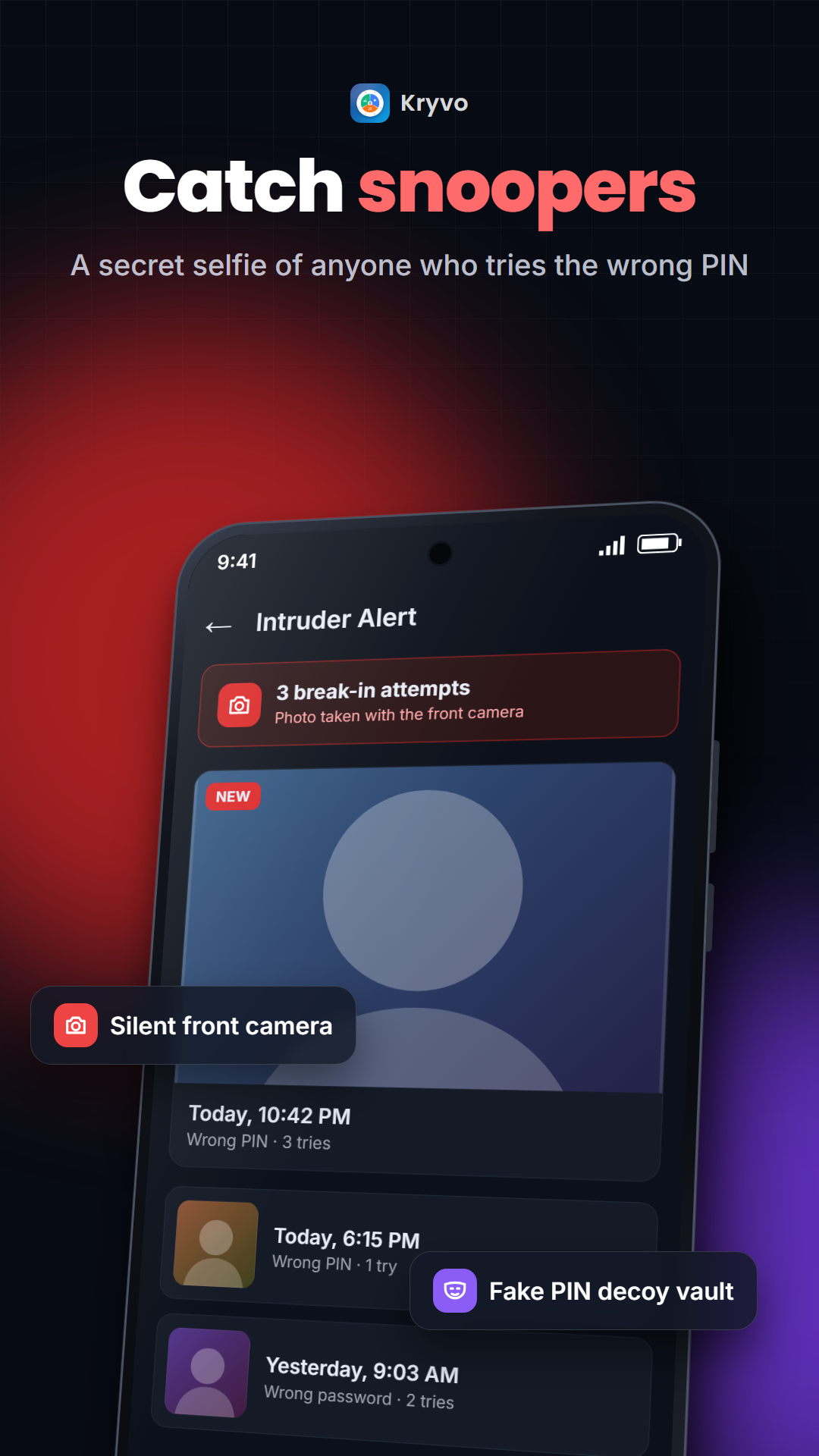
Intruder selfie
Takes a photo of anyone who enters a wrong PIN, with a break-in log.
Fake PIN
Forced to open it? The fake PIN opens a separate, nearly empty vault.
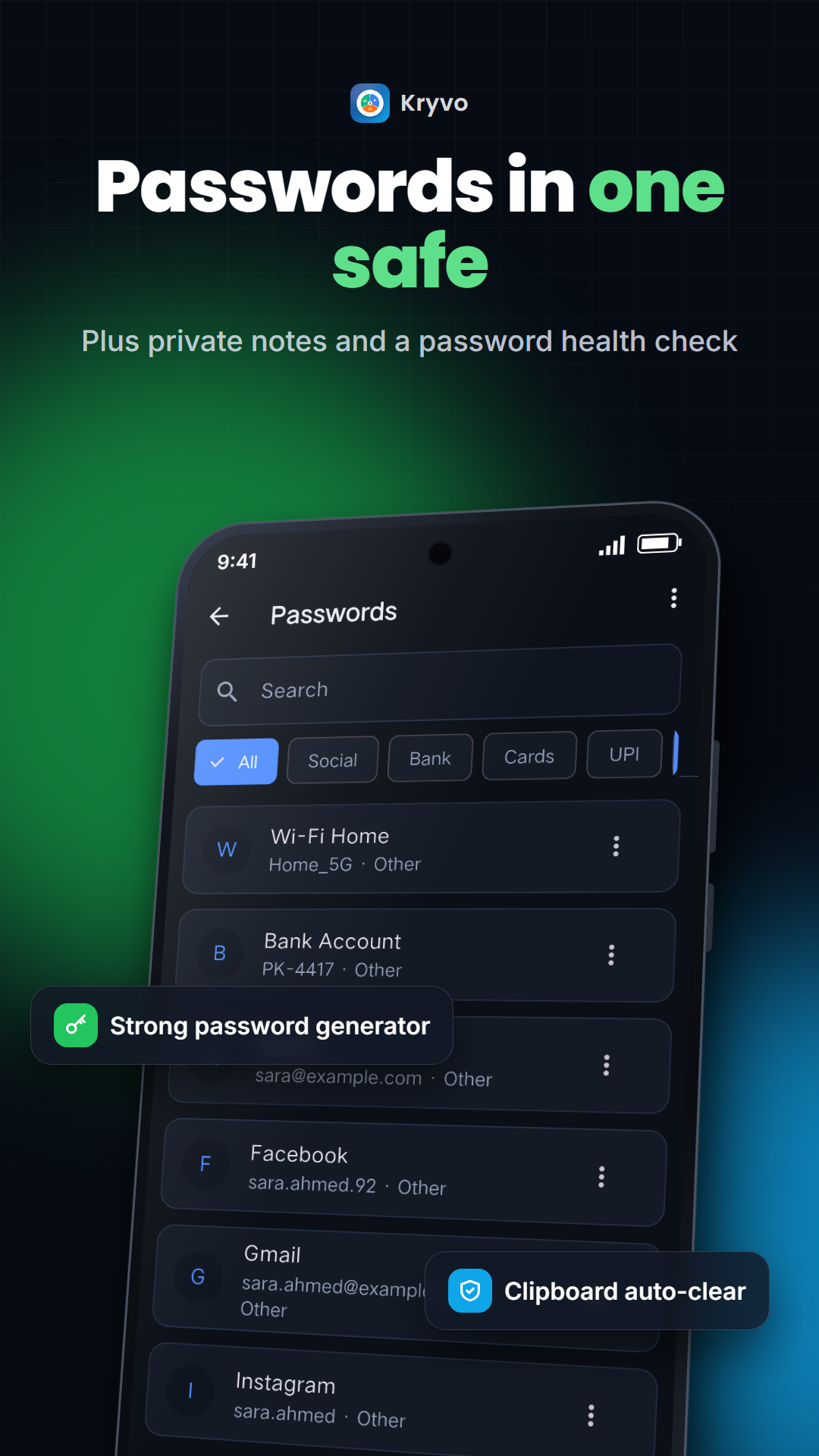
Passwords & notes
Encrypted with your master password. Password generator and a health check for weak or reused passwords.
Full encrypted backup
One file with everything, saved to Google Drive or your phone. Restore it on a new phone.
Recycle Bin + recovery
Deleted items go to the bin; even after "delete forever" they can be recovered for 30 days.
Shake / flip to lock
Lock instantly by shaking the phone or putting it face-down.
Share to Kryvo
Hide a photo straight from WhatsApp or the gallery with Share → Kryvo.
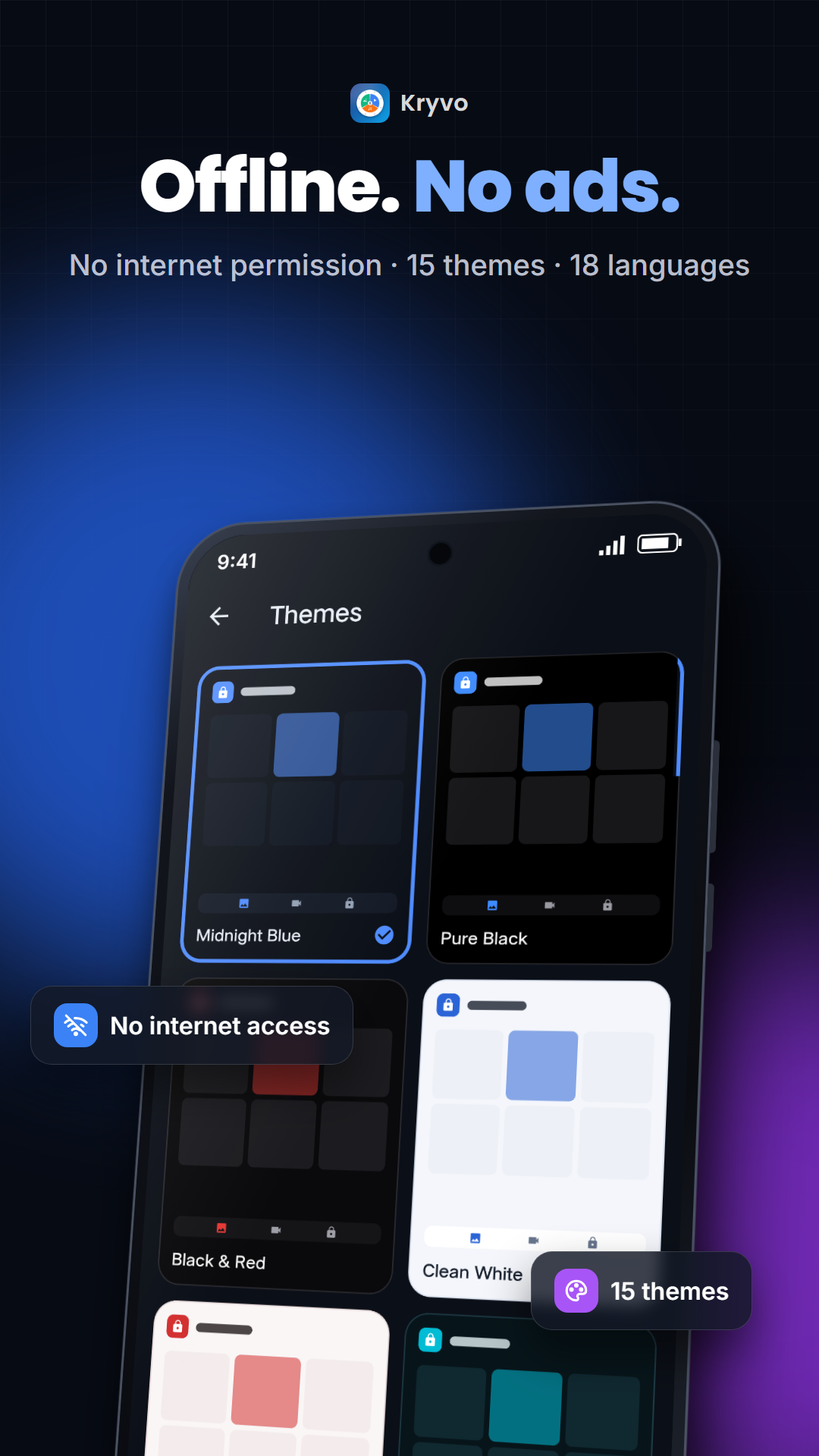
15 themes · 18 languages
Including Urdu and Arabic with right-to-left layout.
Screenshot protection
The vault can't be screenshotted and is hidden in the recent-apps list.
Pick your icon
Kryvo colours, or a disguise that really works.
 Classic blue
 Midnight
 Purple
 Emerald
 Rose
Rose Calculator
 Notes
Notes Clock
Clock Games
Games Flashlight
Private by design
Kryvo has no internet permission — it physically cannot send your data anywhere.
Encryption
AES-256-GCM. Passwords are protected by your master password (PBKDF2-HMAC-SHA256, 310,000 rounds). Media keys live in the Android Keystore.
Zero data collected
No account, no analytics, no ads. The Play Store data-safety label reads "No data collected".
Your keys, your data
Forgot the password and no recovery key? Nobody can open the vault — not even us. Set up a recovery key in Settings.